
How to Choose a POS System for Your Small Business
The right Point-of-sale (POS) system is the one that fits how your business runs day to day, not the one with the longest feature list. Start with four things: what kind of business you run, how you take orders and payments, what you need to keep track of, and who you can call when something breaks.
What is a POS system, and do I need one?
POS stands for point of sale. A card reader takes the payment. A full POS also keeps your items and prices, builds the order, handles the receipt and reports on what sold.
If you mostly take payments and your item list is short, a simple terminal may be enough. If you need tables and tabs, stock counts or reports by item, a full POS usually makes sense.
What kind of business are you?
- Retail shop: You will want item lists, inventory and barcode scanning, so checkout stays quick and your counts stay right.
- Restaurant or cafe: Tables, tabs, kitchen orders and tips matter most. Bar service falls here too, so a brewery or taproom should look at restaurant-style systems.
- Service business: Salons, barbers, mechanics and auto shops sell time, so booking matters as much as checkout. More on that below.
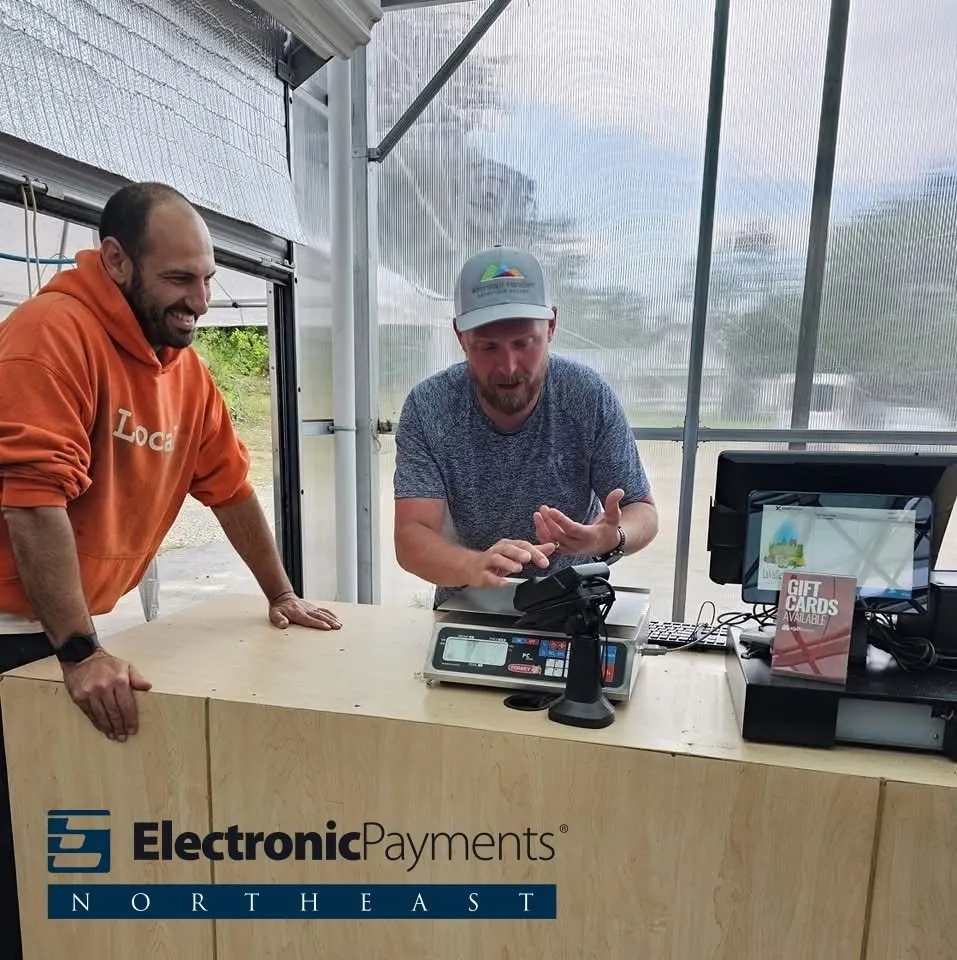
- Seasonal sellers: Farms, farm stands and other seasonal businesses need a system that is simple and ready when the season starts.
- Mobile and event sellers: Look for portable devices you can carry to the customer, at a market stand, a fair or a pop-up.
What do you need it to do every day?
Write down what your team does at the register on a normal day, then check each system against it:
- Taking payments (Tap, Chip, and Swipe)
- Item or menu setup
- Inventory
- Staff logins and tips
- Reports
Our top 4 favorite POS options for 2026:
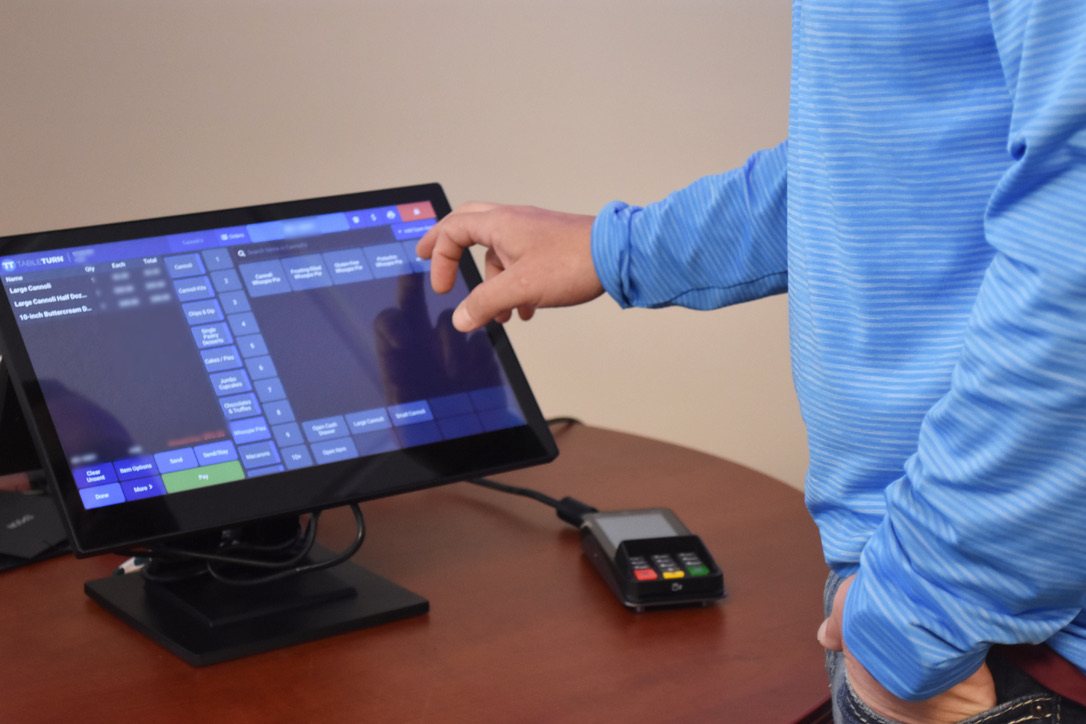
- TableTurn is a restaurant POS built for full-service dining, fast casual, bars, breweries and food trucks. It covers floor plans, split checks, tableside ordering on a handheld, kitchen communication, online ordering, reservations and sales reporting.
- Exatouch fits retail and specialty stores, liquor and convenience stores and quick-service restaurants. It pairs a touchscreen register and barcode scanner with stock counts, vendor and purchase-order tools, loyalty tools and online sales reports.
- Dejavoo P18 with Register Lite is the simpler option. The P18 is a wireless payment terminal with a built-in scanner. Register Lite adds a simple register mode: add items by hand or by scanning, apply taxes and discounts and get itemized receipts. It suits a business that mainly needs simple checkout.
- Clover comes in three forms. Station Duo is a countertop station with separate staff and customer screens, Mini is compact, and Flex is a handheld with a receipt printer and barcode scanner. Features depend on the hardware and software plan you choose.
What should a service business look for?
A salon, barbershop or auto shop sells appointments, so the POS has to handle the schedule and the payment. Look for:
- A calendar for each staff member
- Online booking for customers
- Appointment reminders and confirmations
- Deposits or a card on file to cut down on no-shows
- Customer records and notes
Not every system includes all of these, so ask which are built in and which need a separate app.
What happens when the internet or terminal goes down?
Many POS systems are cloud-based. If the internet drops, one station may still run a sale, but the other stations and the printers can't talk to each other. TableTurn is different. It uses an on-site hub, so your system keeps running and syncs to the cloud when the connection returns. For any other system, ask and get the answer in writing. Keep a backup plan, too.
Who do you call for help?
When a terminal stops working during a lunch rush, you want a real person. Ask who answers and where they are.
You shouldn't have to push through a contact center or an AI chatbot to get help. Look for a direct point of contact who knows your setup, and a team that can come on site when something happens. Before you sign, ask who you would call and whether anyone will actually show up.
How should you compare costs?
Ask about the whole setup, not the sticker price:
- Hardware: Do you buy it, lease it or is it included?
- Software: Is there a monthly fee, per device or per app?
- Processing: How are card transactions priced?
- Contract terms: How long is the commitment, and how do you cancel?
- Fees: Setup, equipment return, early termination and anything else.
Get it in writing, then match the system to the need. TableTurn and Exatouch make sense when you need tables, tabs, inventory or deeper reporting. The Dejavoo P18 with Register Lite may do the job when simple checkout is enough. Clover's plans vary, so match the plan to what you will use. Don't pay for more system than you need.
Questions to ask before you sign
- What is the total cost, including hardware, software, processing and fees?
- How long is the contract, and how do I cancel?
- What happens if my internet or terminal goes down?
- Who do I call for help, and what hours are they available?
- Will it work with my accounting software and any online ordering I use?
- Can I add devices or move up to a bigger system later?
Quick FAQ
Can I keep my current terminal?
Electronic Payments Inc. (EPI) and Electronic Payments Northeast are two separate companies. Whether existing terminals can be reused depends on your software and your processor. Every situation is different, so sometimes equipment can be reused and sometimes it can't.
Do I need a full POS if I sell only a few things?
Not always. If you mainly take payments, a simple terminal may be enough. Choose a full POS when tables, inventory or detailed reports become part of your day.
Not sure which POS is a good fit?
Send us a message. We work with businesses of all kinds, and we'll talk through how your business runs before we ever talk about equipment.
- Phone: 603-623-0561
- Email: [email protected]
Electronic Payments Northeast - Keeping Payments Honest, Simple, & Local